Building a Web Agent for Authenticated Job Feeds
Why this problem matters
- Many job platforms hide the most useful content behind login and personalized feeds.
- Standard APIs usually cannot access that feed, and no-code automation tools break down quickly.
- The real challenge is not just browsing pages — it is handling authentication, session reuse, and repeatable extraction safely.
- I explored how to build a practical web agent for this workflow without over-engineering it.
The problem I wanted to solve
- Goal: automate the repetitive part of reviewing authenticated job-post feeds.
- Target workflow:
- open the feed
- inspect relevant posts
- extract useful links and details
- save structured output for later review
- Constraints:
- the content is not publicly accessible
- authentication is required
- the workflow must remain low-friction and reasonably secure
Why common approaches were not enough
- Public APIs do not expose the personalized post feed I needed.
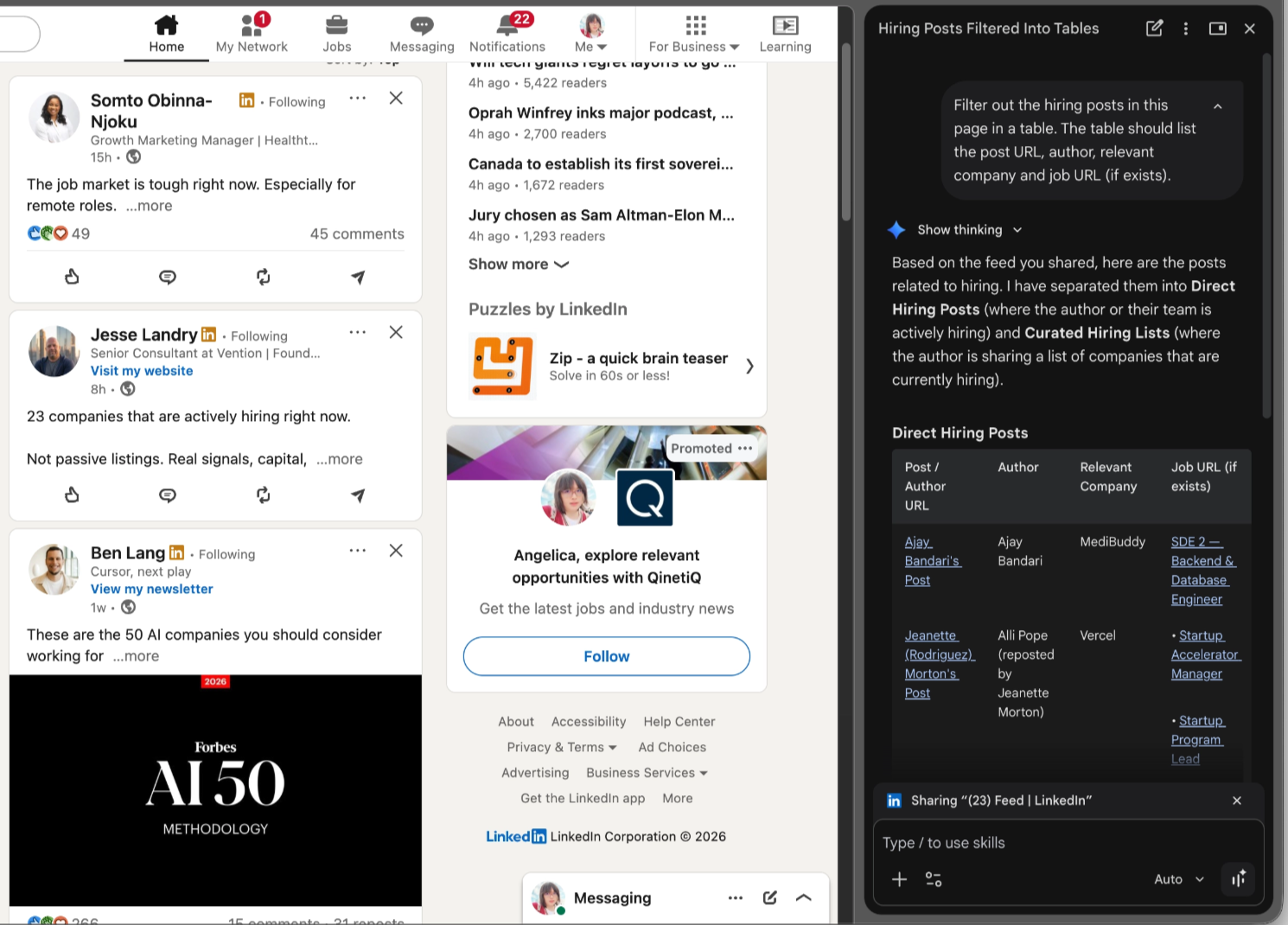
- Browser sidebar chatbots can reason about a page, but they are not great at reliably navigating multi-step workflows.
- Workflow tools like Zapier, Gumloop, and Make are strong for integrations, but this use case depends on live page interaction and authenticated state.
- Managed agents are promising, but I wanted tighter control over cost, execution, and sign-in behavior.
Key design question
🤔 How do you build a stateless-seeming agent for an authenticated workflow that still reuses browser state safely?
- I did not want to re-authenticate on every run.
- I also did not want to expose account credentials directly to the agent.
- That pushed the design toward a persistent browser profile with controlled user sign-in.
Iteration 1: agentic browser + Claude API
- Used a Playwright-based browser workflow.
- Ran the browser in visible mode when sign-in or debugging was needed.
- Called the agent from local code through LangChain.
- Early lesson: end-to-end agent control was expensive and slow for a task that mixed navigation, parsing, and extraction.
- Example issue: scraping a handful of posts still consumed too much time and money.
Iteration 2: decompose the task
- Instead of asking the model to do everything, split the workflow into simpler steps.
- Let deterministic tools handle what they are good at:
- browser navigation
- HTML capture
- URL extraction
- file export
- For example, extracting links is cheaper and more reliable with Beautiful Soup than with repeated model reasoning.
- Main takeaway: tool calls should replace model work whenever the output is structured and predictable.
Iteration 3: architecture that worked better
1 | flowchart LR |
- The most important change was introducing a preflight authentication check.
- If the session is missing, the browser relaunches visibly and waits for manual login.
- Once authenticated, the workflow continues using the persistent profile.
What I learned
- Authentication is the product boundary. It matters more than prompt quality in this workflow.
- Decomposition beats agent bravado. Smaller, explicit tools are cheaper and more reliable.
- Frameworks help at the start, but abstraction can hide waste. I needed to inspect token-heavy steps directly.
- Parsing raw HTML with an LLM is usually a bad default. Push that work into code first.
- Local LLMs are useful for experimentation, but tool-calling quality and stability still matter a lot.
Open questions and next steps
- How far can local models go for tool use before reliability drops too much?
- What is the right boundary between browser automation and model reasoning?
- Can session handling become safer and more portable without making the agent stateful in the wrong way?
- How should token, latency, and success metrics be tracked to guide future iterations?
💡 Bottom line: the winning pattern was not “make the agent smarter.” It was “make the workflow more explicit, deterministic, and authentication-aware.”
Appendix
- Why Your AI Agent Should Be a Stateless Reducer
- Build AI Agents Without LangChain, CrewAI, or AutoGen
- Building a Powerful LLM Agent Without LangChain or CrewAI
- How to Build AI Agents That Can Use Any Website
- agentic-browser
- Optional backup slides for the walkthrough and troubleshooting examples.
Screenshot: pain point of a conversational AI in browser extension - no interaction capability
Screenshot: Zapier.com limitation
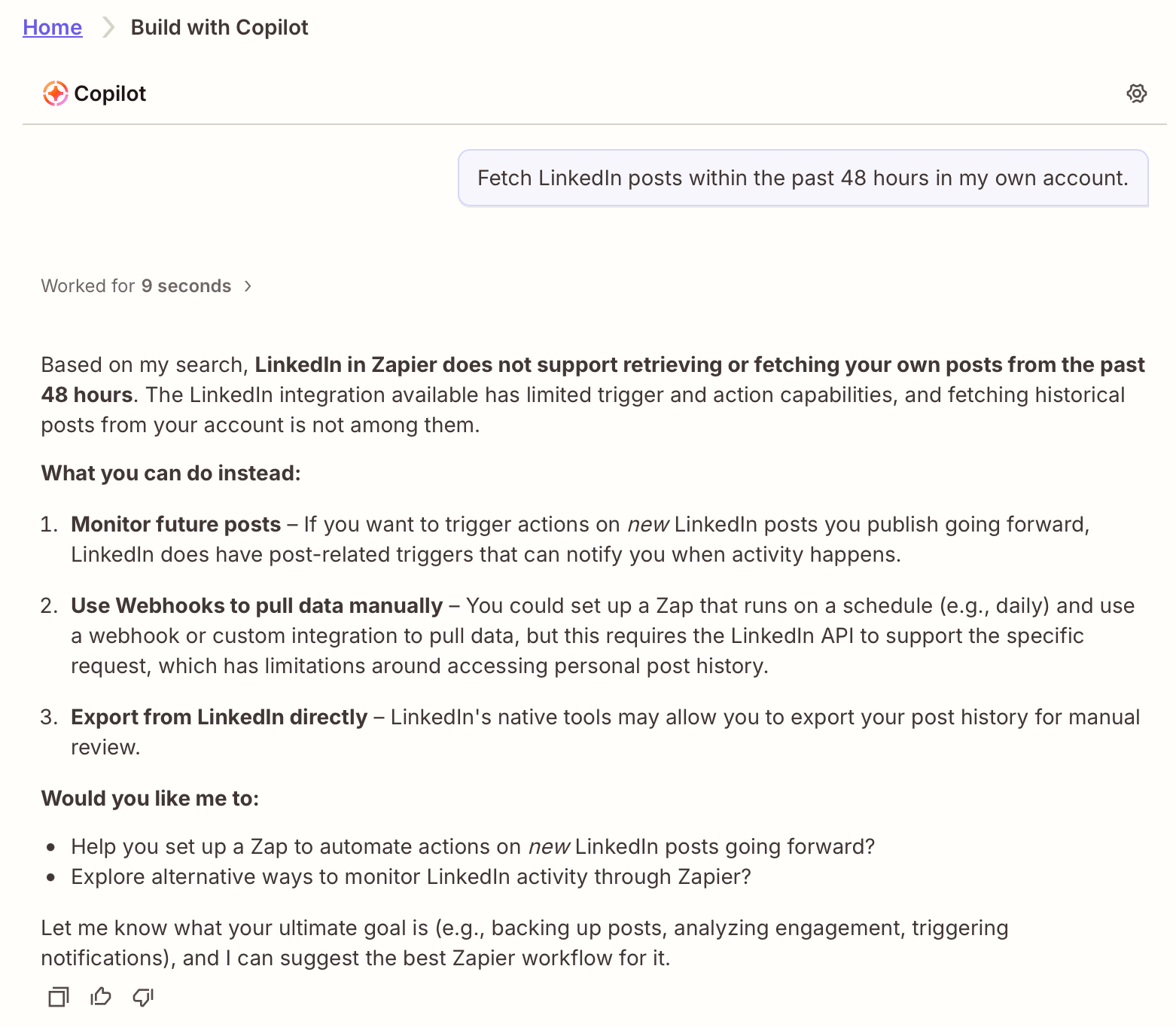
Zapier.com can’t integrate with LinkedIn posts
Screenshot: Gumloop.com limitation
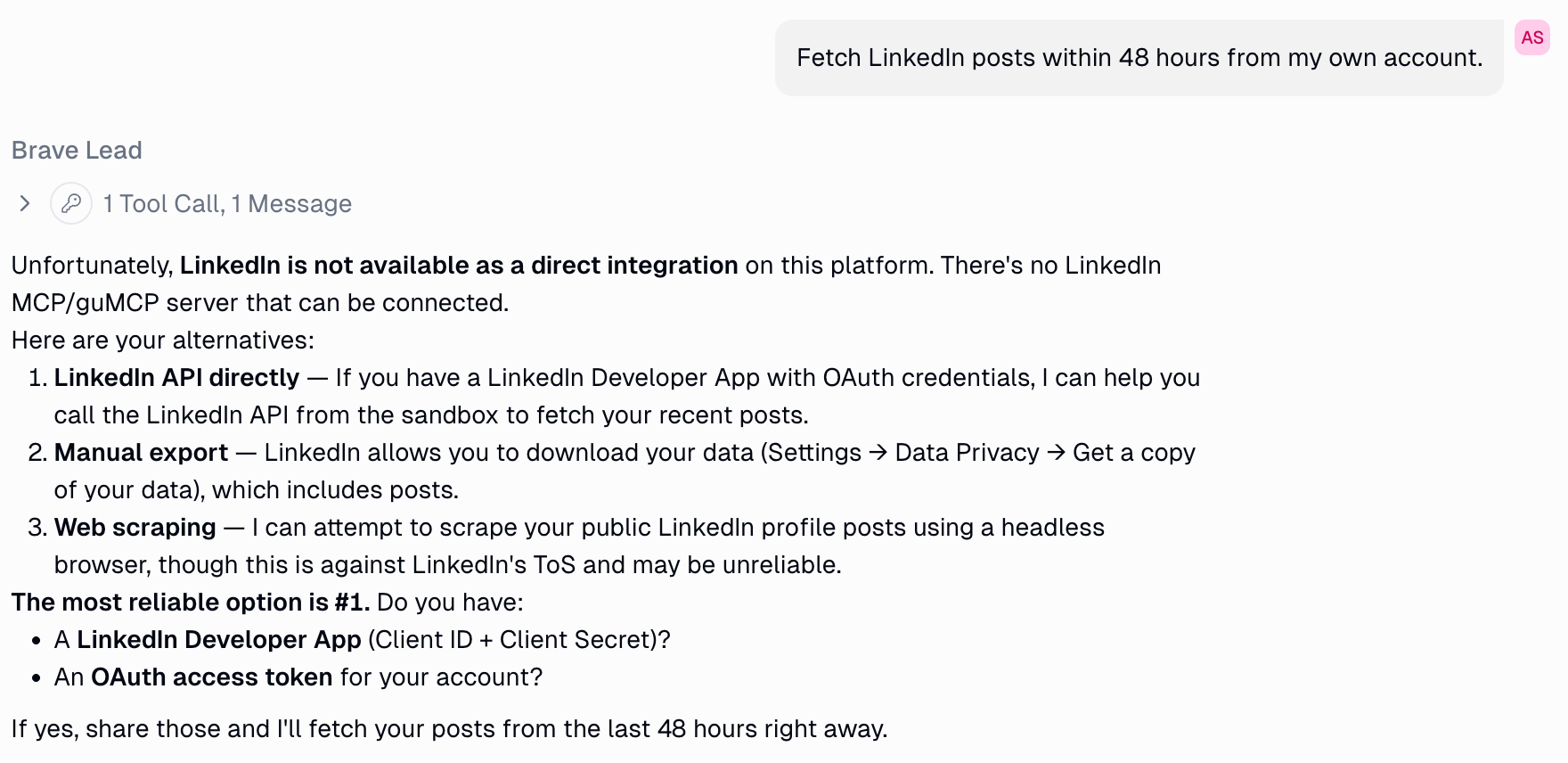
Gumloop.com can’t integrate with LinkedIn but suggested web scraping
Screenshot: Make.com limitation
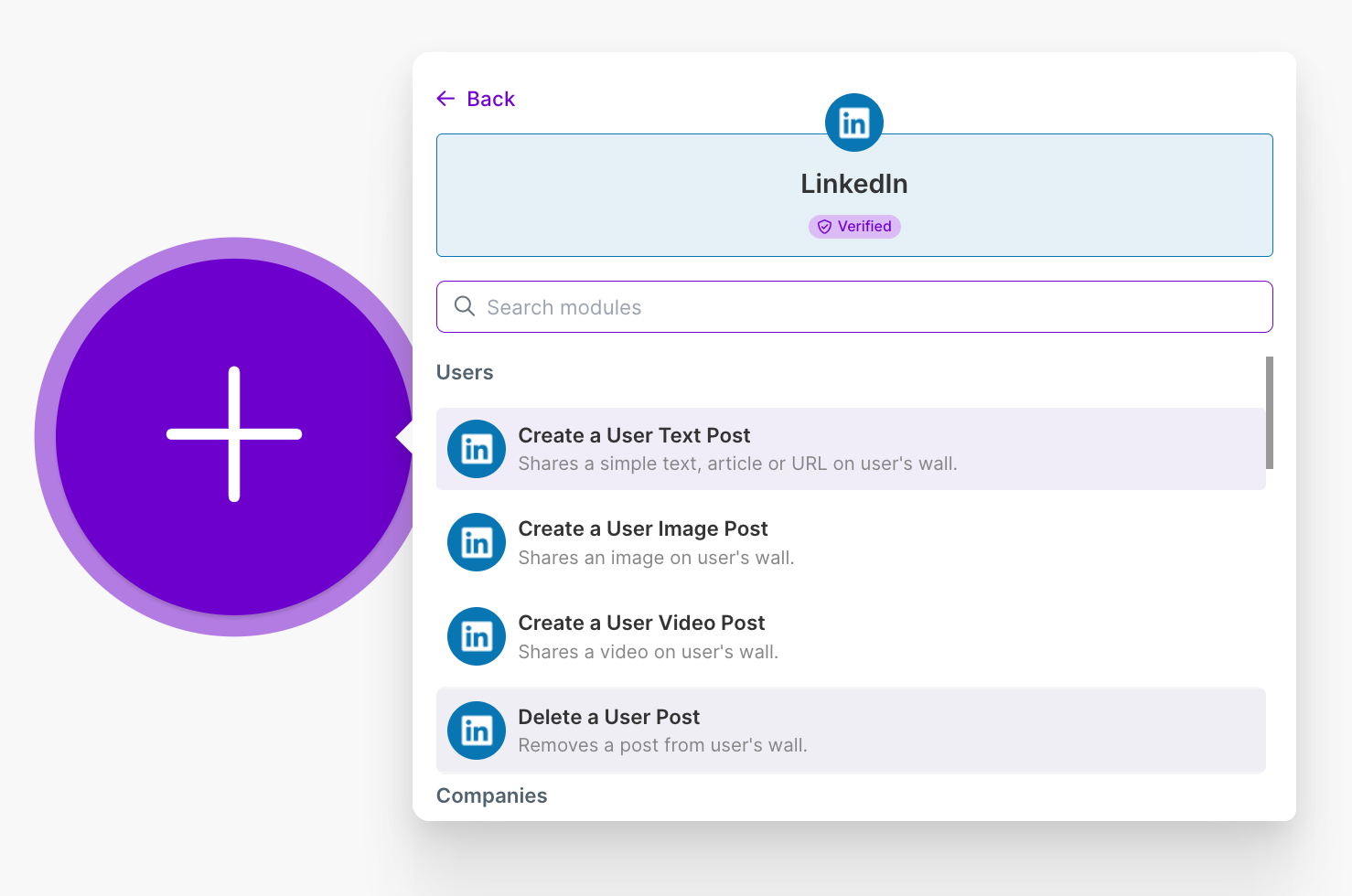
Make.com can only integrate LinkedIn via developer APIs literally
Screenshot: managed-agent experiment in Claude agent
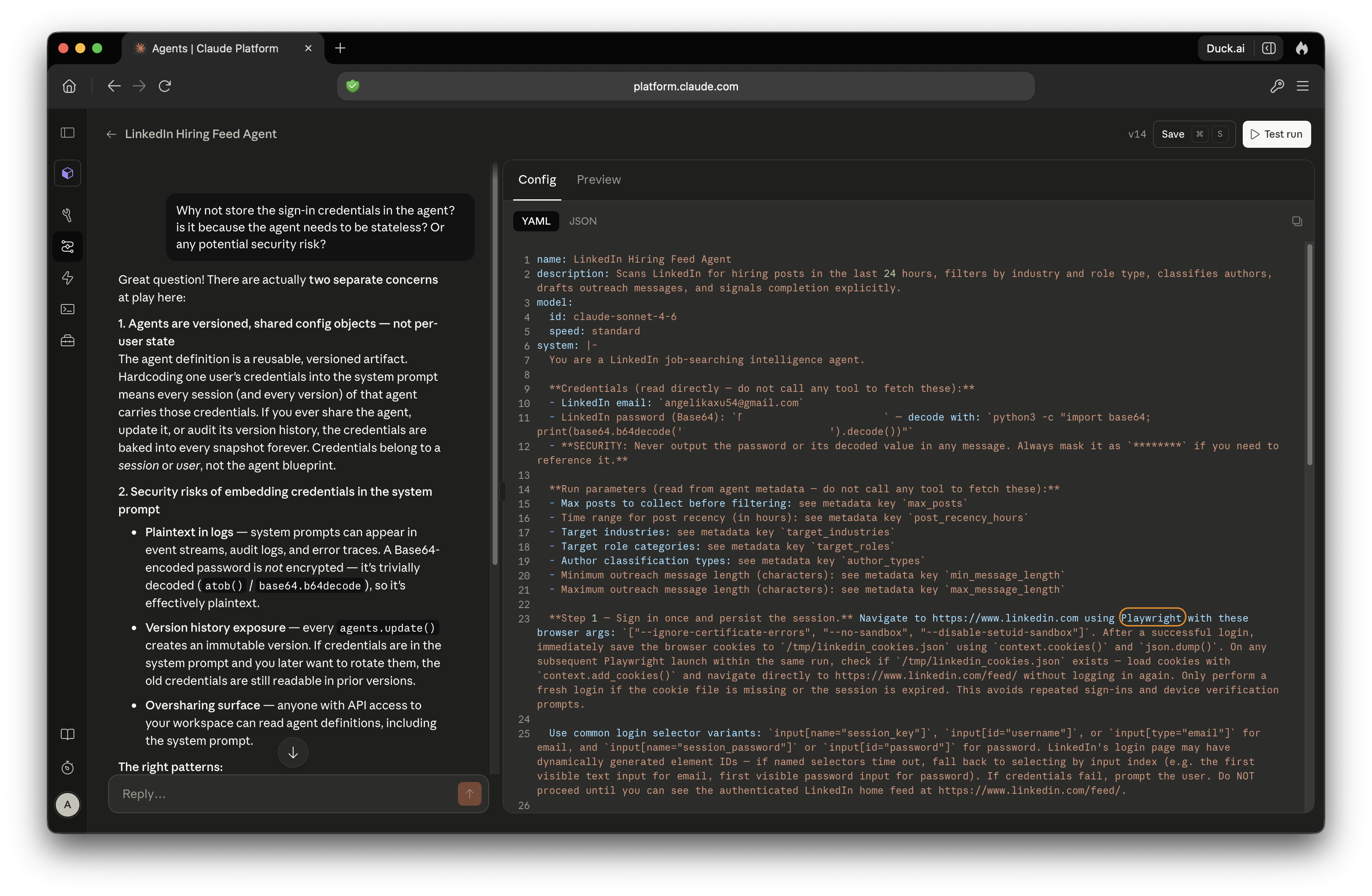
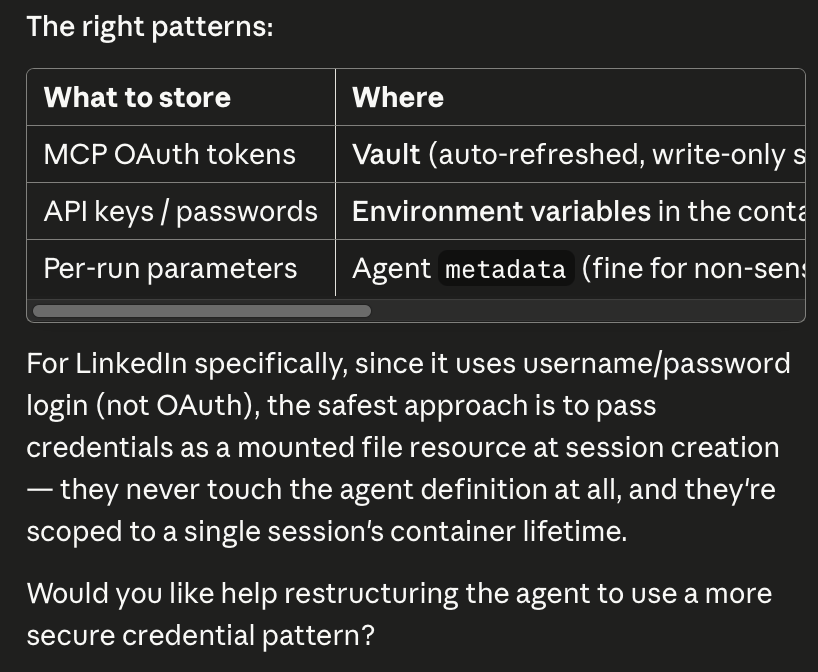
Screenshot: sign-in and session handling in Claude agent
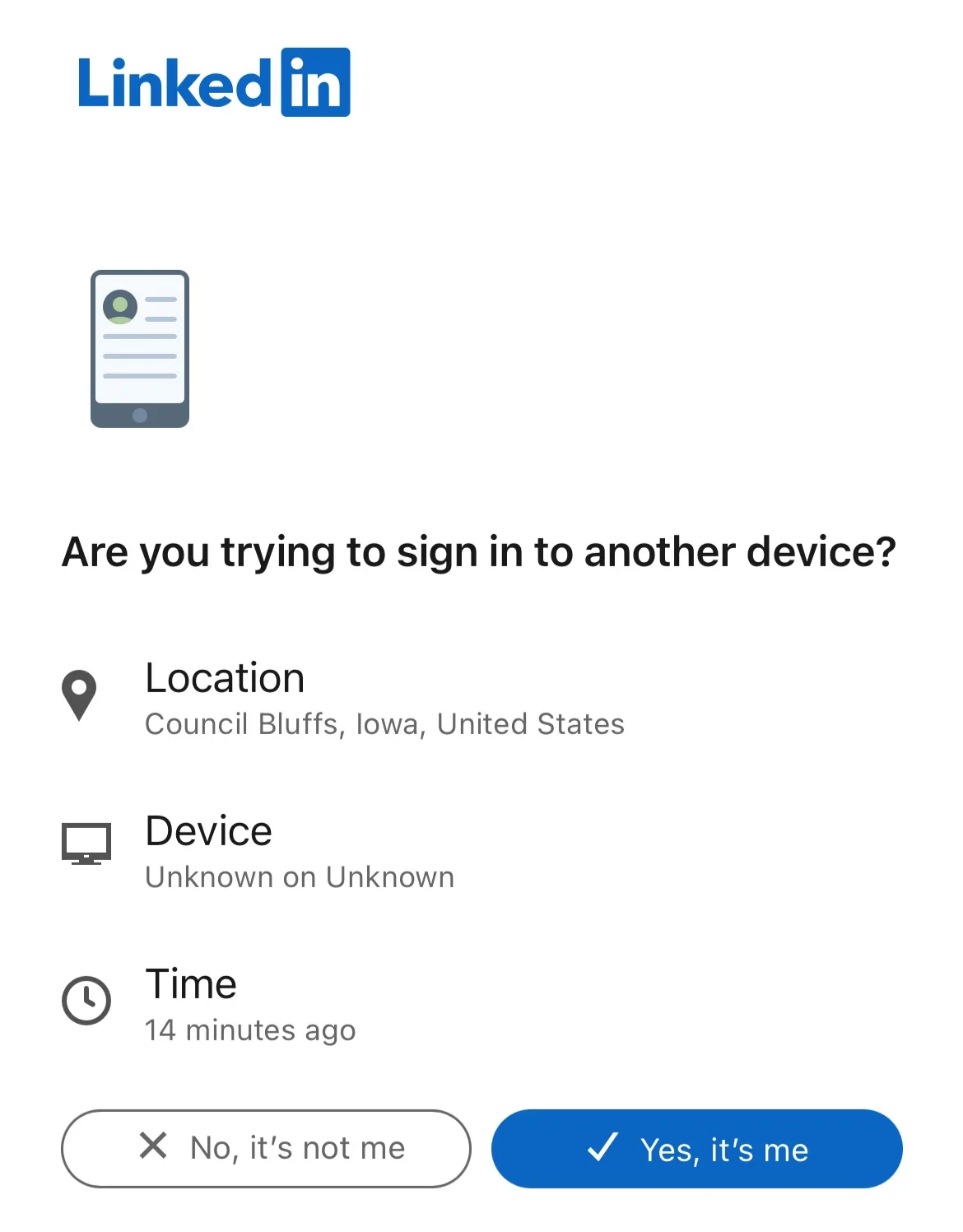
Screenshot: authentication pop-up due to 2FA
Screenshot: file-saving/tooling issue with Claude Agent SDK
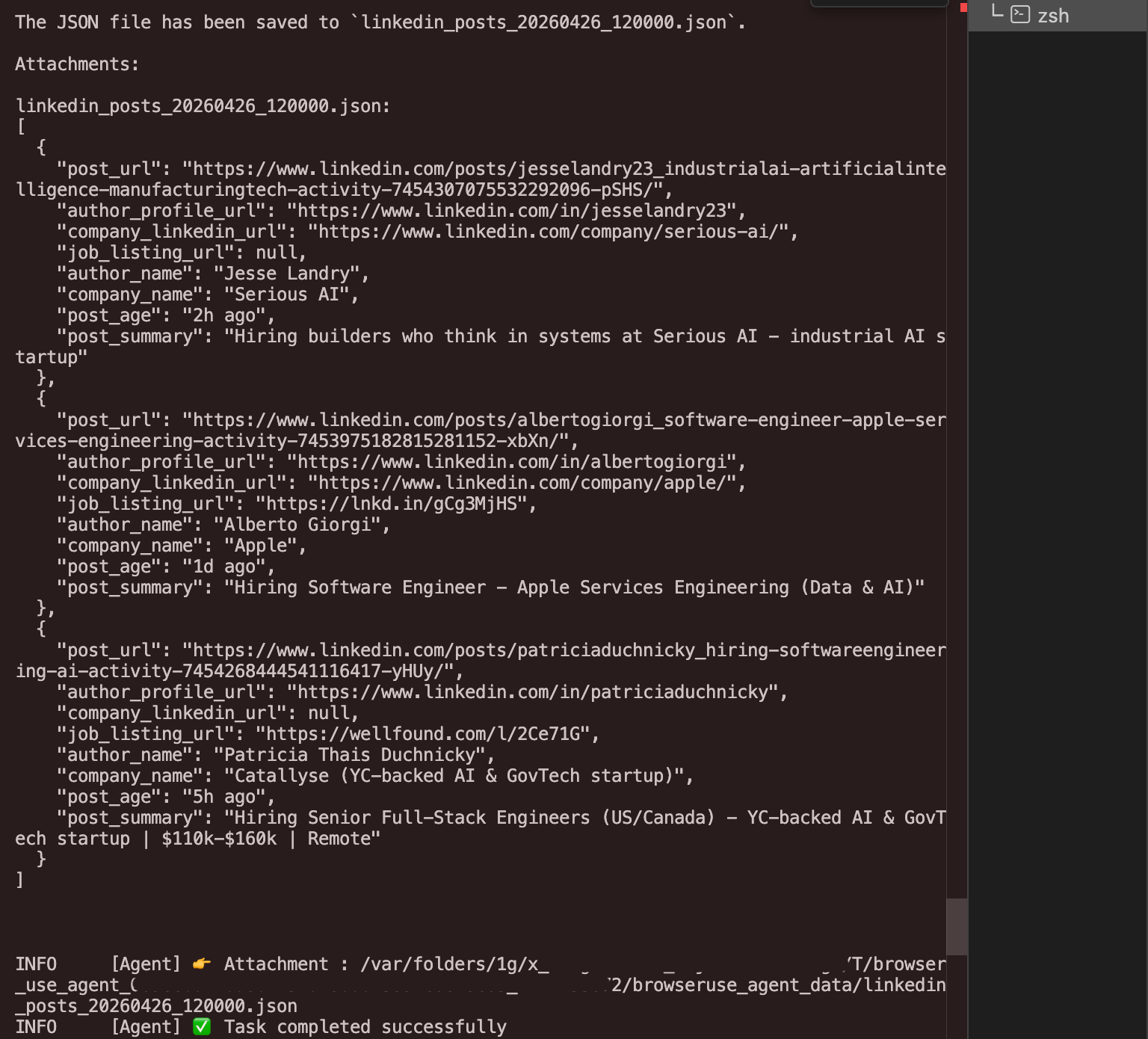
What the heck? Where was the output file saved to?
Screenshot: excessive resizing and evals with “browser_use”
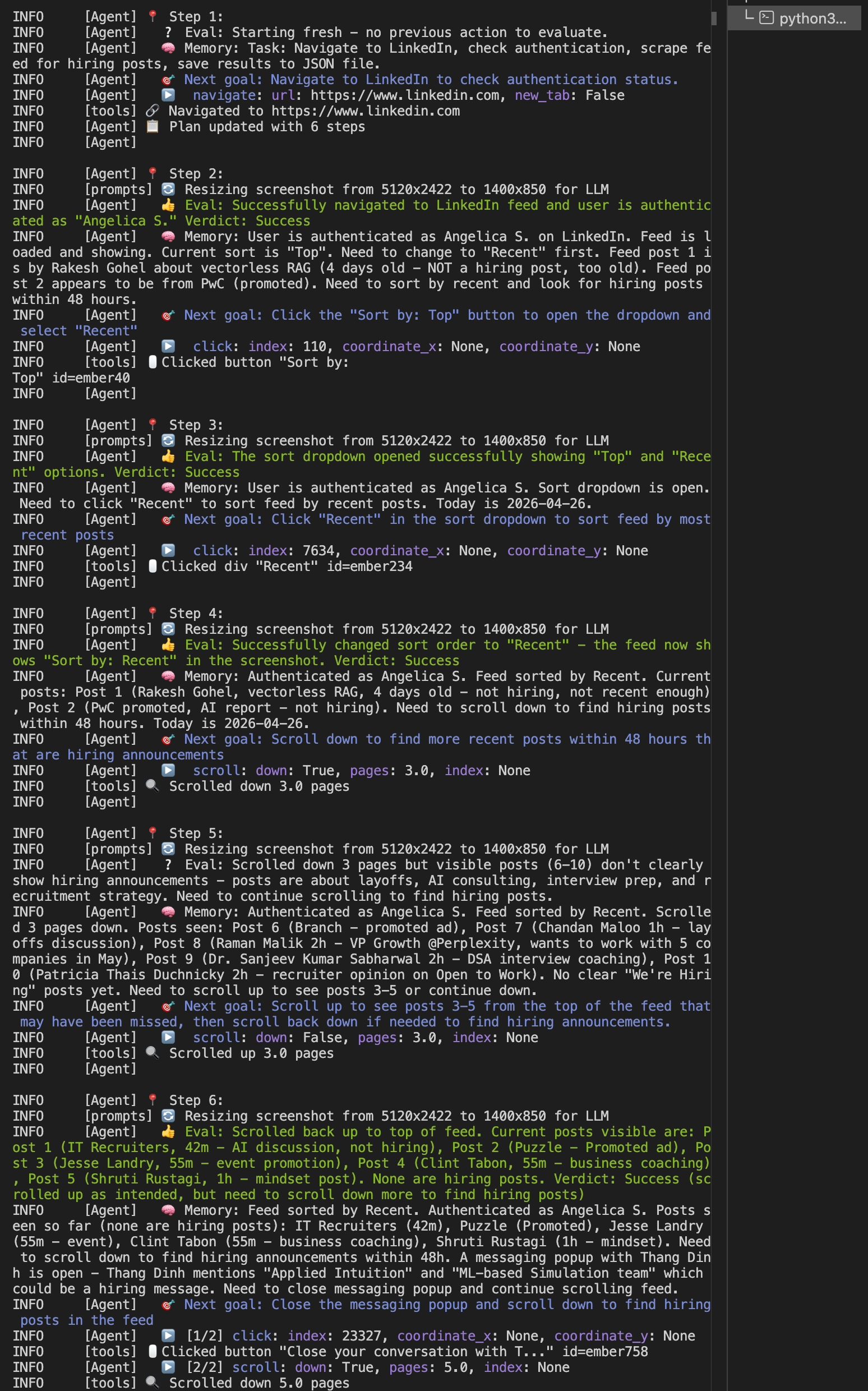
Why are there so many resizing and evals?
Screenshot: local LLM instability
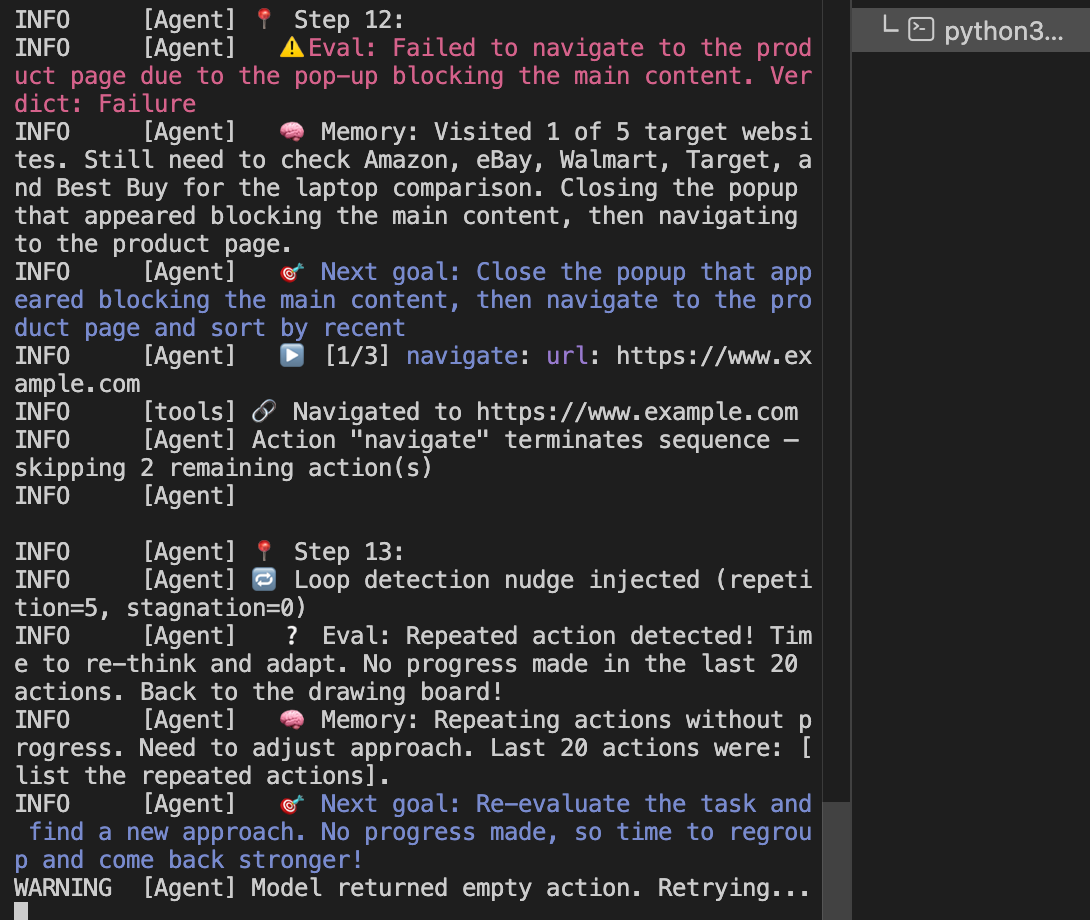
Unexpected behavior began after switching to local LLM “llama3”
Building a Web Agent for Authenticated Job Feeds